To verify which accounting software a company uses, collect public evidence, date it, and score it. No single source proves an entire finance stack, so you rank evidence from a recent official case study or implementation notice down to an undated third-party flag, then confirm the finding is current rather than historical. Treat any install claim as a hypothesis until at least one dated, source-backed clue supports it.
The Short Answer
- Evidence, not a flag. A vendor detection or a bought "install" field is a starting hypothesis. Verification means finding a public source you can inspect and date.
- No single source proves the whole stack. Accounting and ERP tools run in back-office systems that public scanners cannot see. You corroborate across sources instead of trusting one.
- Rank the evidence. An official customer case study outranks a job posting, which outranks vendor integration docs, which outrank an undated third-party inference.
- Date everything. Evidence decays. A case study from three years ago is historical, not current. Re-check before you act on it.
- Current use is not intent. Confirming a company runs a platform tells you fit and possible integration or replacement angles. It does not prove anyone is buying.
Who this guide is for: software vendors, integration and consulting sellers, and any B2B team that targets accounts by their finance technology. If you are deciding whether to trust a technographic "uses QuickBooks" or "uses NetSuite" flag before outreach, this is the method. It contains no private data and no real person's contact details.
Why No Single Source Proves the Entire Stack
Accounting and ERP software mostly runs where the public internet cannot reach it. General ledger, close, consolidation, and AP/AR tools live inside authenticated systems, not on the marketing website. A public technology scanner can often see a website's front-end tools, tag managers, and hosting, but it cannot see the back-office finance product a controller opens every morning.
That is the core problem. The most confident-sounding data field, a plain "uses Sage Intacct" flag, is frequently the least inspectable. You cannot audit it, and you often cannot date it.
So verification is not about finding one perfect source. It is about assembling dated, public clues that point the same direction. One strong recent source, or several weaker ones that agree, moves an account up the confidence ladder. A single undated third-party claim does not.
There is a firm line here. Never claim access to a company's private accounting systems, and never claim a website scanner can see every back-office accounting product. It cannot, and saying otherwise is a false accuracy claim.
The Technology Confidence Ladder
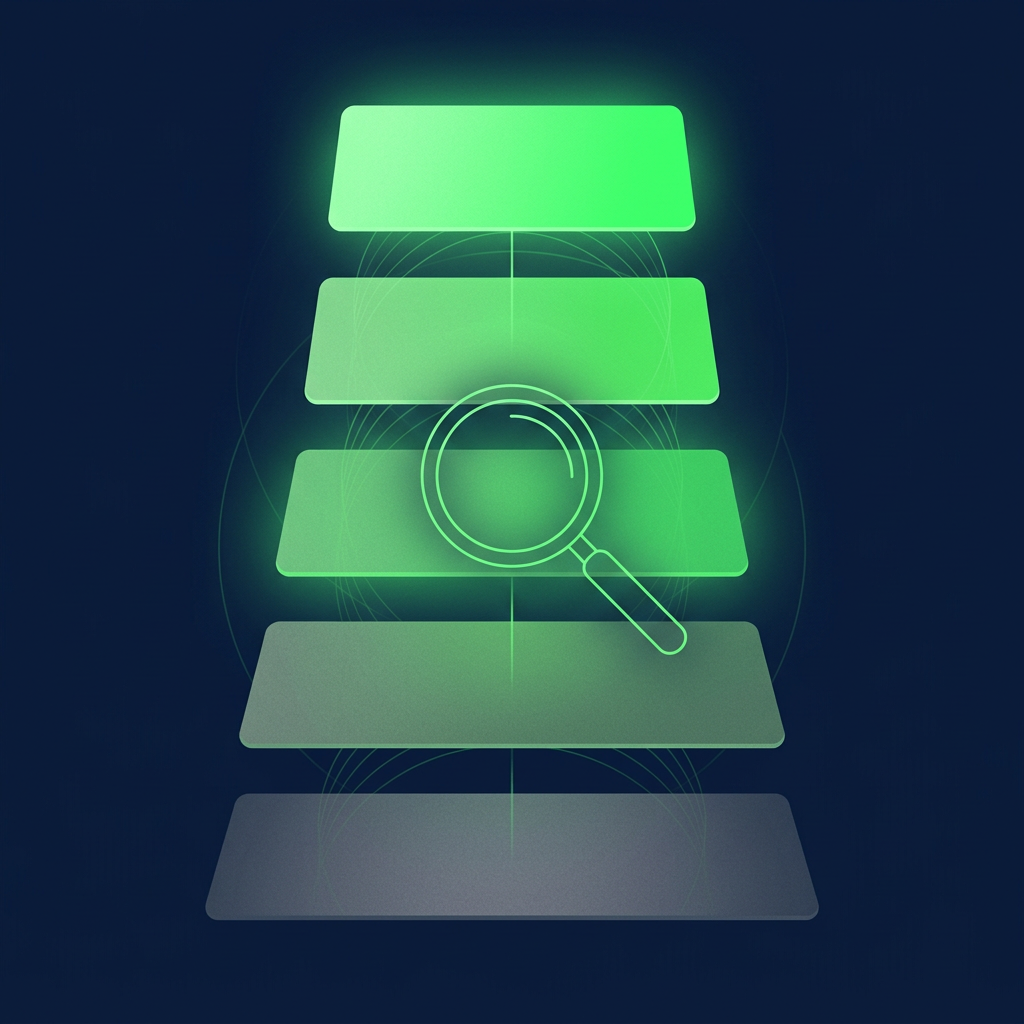
Score every install claim on the same five-level ladder. The level, not the flag, decides how a rep should treat the account.
Level 5, confirmed current use. Current direct public evidence, such as a recent official customer or case-study source, an implementation announcement, organization documentation, or a public procurement or project source.
Level 4, strong current evidence. A recent job posting naming the product, a current dedicated platform role, or current integration or support documentation connected to the organization.
Level 3, likely current use. Multiple recent corroborating public clues without direct confirmation.
Level 2, historical or unclear. An old case study, an old job posting, an old partner page, or a stale implementation reference.
Level 1, unverified or generic. A third-party claim with no visible source, date, or specific product evidence.
The hard rule: do not label Levels 1 through 3 as confirmed. A likely finding is worth researching. It is not a fact, and your outreach should not pretend it is.
Evidence Types, Ranked
Each evidence type proves something specific and leaves gaps. Match the source to the level it can support.
| Source type | What it can prove | What it cannot prove | Freshness risk | Confidence level | Next check |
|---|---|---|---|---|---|
| Official customer story or case study | The company used the platform at the time it was published | That the platform is still in use today | High if undated or old | Level 5 if recent, Level 2 if old | Confirm the publish date and look for a newer source |
| Job posting naming the product | The company is currently hiring for that skill or product | That the tool is the primary system, or that a purchase is coming | Medium, postings expire | Level 4 | Read the full posting language and check the careers page date |
| Vendor integration or support docs | A supported connection between the company and the platform exists | That the connection is live, current, or company-wide | Medium to high | Level 4 if current, Level 2 if stale | Verify the doc is current and tied to this specific organization |
| Public technical footprint | Front-end and web-facing tools the site exposes | The back-office accounting or ERP product | Medium, scans capture a moment in time | Level 3 at most for finance tools | Corroborate with a second, non-scanner source |
| Third-party technographic inference | That a vendor has assigned a flag to the account | Anything on its own without a visible source or date | High, often undated | Level 1 | Find a primary source before you trust it |
Notice the pattern. The sources you can inspect and date sit near the top. The convenient bought flag sits at the bottom until you corroborate it.
Official customer and case-study evidence
The strongest single source is the platform vendor's own customer story naming the company, or the company's own announcement that it implemented the platform. This is direct and public. The catch is the date. A case study can stay live for years after a company migrates off the product. Treat an undated or old story as Level 2, not Level 5.
Job-posting evidence
A current posting that names the product ("must have three years of NetSuite administration") is strong current evidence. Someone at the company is writing job requirements around that tool right now. It does not prove the tool is the company-wide system of record, and a posting for a migration or admin role can point at a project rather than steady-state use. Read the full text.
Integration and documentation evidence
Marketplace listings, partner directories, and support documentation that connect the company to a platform are useful. They show a supported connection existed. They rarely prove the connection is live today or that it spans the whole organization. Confirm the document is current and tied to the specific legal entity you are targeting.
Public technical footprint
Website scanners and public footprint tools are good at what is visible on the web: analytics tags, hosting, front-end frameworks, sometimes billing or e-commerce tools. They are weak on back-office accounting and ERP products, which do not touch the public site. Use footprint data as a Level 3 clue at most for finance tools, and never present a scanner result as proof of a back-office install.
Third-party technographic inference
Bought "install" fields are the most common input and the least inspectable. A vendor has inferred a flag, often without exposing the source or the observation date. Treat it as Level 1 and a reason to go find a primary source. A public signal is a reason to research, not proof of purchase, and an undated inference is barely a signal.
At this point it helps to connect software evidence to the broader method of scoring signals, ICP fit, contact relevance, and timing together. Percepture's B2B intent data services sit next to this evidence work, since a confirmed install still needs a reason-to-act layer before it becomes an opportunity. The pillar guide, how to build an accounting software users email list, lays out how these dated evidence levels feed a workable record.
Recency and Evidence Decay
Evidence has a shelf life, and finance evidence decays faster than it looks. Companies migrate, get acquired, consolidate entities, and switch platforms. A source that was accurate when it was published can be wrong now.
A practical way to think about decay:
- Case studies and announcements age slowly in visibility but can be wrong the moment a migration completes. Always find the date.
- Job postings expire in weeks, so a live posting is a strong recency signal while it is up.
- Integration and partner listings can sit stale for years after a relationship ends.
- Third-party flags are often undated, which is exactly why they sit at Level 1.
The rule is simple. If you cannot date the evidence, you cannot score it as current. Refresh time-sensitive findings before outreach, and re-check any Level 5 claim that is more than a few months old.
A Conflicting-Source Example
Sources disagree often. Here is how to resolve it.
Suppose a bought technographic file flags a mid-market company as a QuickBooks user. At the same time, the company's careers page shows a live posting for a "NetSuite Administrator," and a system-integrator partner directory lists the company under NetSuite implementations, dated this year.
The undated QuickBooks flag is Level 1. The current NetSuite posting is Level 4, and the recent partner listing corroborates it. That keeps NetSuite at a strong Level 4. It does not become Level 5 until a direct current source appears, such as an official customer story or implementation announcement.
The likely reading: the company may be mid-migration or recently moved from QuickBooks to NetSuite, which is a common path as SMBs grow. Both flags can even be true at once during a transition. The resolution is not to pick the louder source. It is to weight by inspectability and date, then note the possible migration as its own research angle rather than forcing a single "current platform" answer. Migration situations get their own treatment in accounting software migration signals worth researching.
Active Use vs Historical Use vs Inferred Use
The single most common error in technographic data is treating any of these three as the same thing. They are not.
| Status | Meaning | Evidence standard | How sales should treat it |
|---|---|---|---|
| Confirmed current | Direct, dated, recent public evidence of use today | Level 5 source, current | Safe to reference the platform; still verify the buyer role and a reason to act |
| Strong current evidence | Recent product-specific posting, role, or current docs | Level 4 source | Treat as very likely current; corroborate before naming it as fact |
| Likely current | Several recent clues agree, no direct confirmation | Level 3, multiple sources | Research further; do not state it as confirmed |
| Historical | Old case study, old posting, stale partner page | Level 2 source | Assume it may have changed; re-verify before any claim |
| Unknown or inferred | Undated third-party flag, no source | Level 1 source | Find a primary source first; do not build outreach on it |
The columns that matter most are the last two. A rep who knows a finding is "likely" writes different, more honest outreach than one who was handed a false "confirmed."
A Verification Log Example
Keep a short, dated log for high-value accounts. The log is what makes a claim auditable later.
The table below is an illustrative example, built as a composite on August 9, 2026. It is not a real company, and it contains no real person's contact details. It shows how one account moves from an inferred flag to a scored, dated finding.
| Date checked | Source inspected | What it showed | Level assigned | Note |
|---|---|---|---|---|
| Aug 9, 2026 | Bought technographic file | "Uses Sage Intacct," no source, no date | Level 1 | Hypothesis only; go find primary evidence |
| Aug 9, 2026 | Company careers page | Live posting: "Sage Intacct experience required," posted July 2026 | Level 4 | Current, product-specific, dated |
| Aug 9, 2026 | Vendor customer stories | Case study naming the company, published 2023 | Level 2 | Confirms past use; too old to prove current |
| Aug 9, 2026 | Partner implementation directory | Company listed under an Intacct implementation partner, updated 2026 | Level 4 | Corroborates the current posting |
| Aug 9, 2026 | Overall assessment | Two current corroborating sources plus a historical one | Level 4 | Strong current evidence, worth researching the buyer; not confirmed use and not proof of intent |
The log does two things. It shows the reasoning if anyone asks, and it flags when a finding needs a refresh. A record without a check date is a record you cannot trust in three months.
Partner Resources
Lead Seeker works with Percepture. The link below is included because it supports the workflow discussed on this page.
Confirming a platform is only half the job. Turning a dated install finding into a prioritized, reason-to-act account is the other half, and that is where a broader signal-and-fit method helps. Percepture's B2B intent data services pair with the evidence work above so a verified install becomes a researched opportunity rather than a cold spray.
Frequently Asked Questions
How do I verify accounting software usage?
Collect public evidence, date it, and score it on a confidence ladder. Look for an official customer story or implementation announcement, a current job posting naming the product, vendor integration or support documentation, and public technical footprint, then corroborate across sources. Treat a bought install flag as an unverified hypothesis until a dated primary source supports it, and never claim access to a company's private accounting systems.
How accurate is technographic data?
Accuracy varies widely by source and by product. Front-end web tools are easier to detect accurately than back-office accounting and ERP software, which public scanners generally cannot see. A dated, inspectable primary source is far more reliable than an undated third-party inference. Rather than trusting a single accuracy percentage, score each claim on evidence strength and recency, and corroborate high-value findings before acting.
How do I know whether QuickBooks, Xero, NetSuite, or Sage is still in use?
Focus on recency. A current job posting naming the product, a recent implementation announcement, or up-to-date integration documentation supports current use. An old case study or a stale partner page only proves past use. When sources conflict, weight the recent, inspectable ones over an undated flag, and treat a probable move between platforms as its own migration research angle rather than forcing one answer.
What sources can prove a software installation?
No public source proves an installation with certainty, because the software runs in private systems. The strongest public evidence is a recent official customer or case study source, followed by a current product-specific job posting, then current integration or support documentation. Public technical footprint is a weaker supporting clue for finance tools, and an undated third-party flag proves only that a vendor assigned a label.
What is the difference between current, historical, and inferred use?
Current use has direct, dated, recent public evidence and can be referenced with confidence. Historical use rests on old sources like an aged case study or expired posting, so it may no longer be true and must be re-verified. Inferred use comes from an undated third-party flag with no visible source, so it is only a hypothesis to research, not a fact to state in outreach.
How often should technographic evidence be refreshed?
Refresh on events, not a fixed calendar. Re-check a confirmed finding whenever the account shows a signal like a migration posting, an acquisition, or a new finance leader, and re-verify any current claim that is more than a few months old. Job postings expire in weeks, case studies can be wrong the moment a migration completes, and undated flags should be corroborated before every use.
Can a website scanner tell me which accounting software a company uses?
Usually not for back-office accounting and ERP products. Website scanners read what the public site exposes, such as analytics tags, hosting, and front-end tools, but general ledger, close, and consolidation systems run inside authenticated environments the scanner never touches. Treat scanner output as a supporting Level 3 clue at most for finance tools, and corroborate it with a primary source before making any claim.
Does a confirmed software install mean the company will purchase?
No. Confirming a platform proves use and helps you judge fit, integration angles, and possible replacement conversations. It says nothing about timing or budget. A signal is a reason to research, not proof of purchase, so pair a verified install with a dated business signal and the right buyer role before treating the account as a live opportunity.
About the Author
Bob Generale is President of Percepture. He works across SEO, AI search, digital PR, sales intelligence, and AI-powered revenue systems. His work focuses on connecting visibility, buyer intent, and sales action.
Sources
- US Federal Trade Commission, CAN-SPAM Act compliance guide: https://www.ftc.gov/business-guidance/resources/can-spam-act-compliance-guide-business
- AICPA and CIMA, professional resources for finance and accounting: https://www.aicpa-cima.com/
- US Bureau of Labor Statistics, Accountants and Auditors occupational profile: https://www.bls.gov/ooh/business-and-financial/accountants-and-auditors.htm
Next Steps
Put the ladder to work: read who buys accounting software to map a confirmed install to the right buyer, then claim 5 free verified leads where the technology signal is dated and the role is confirmed, and audit the evidence on every record yourself.