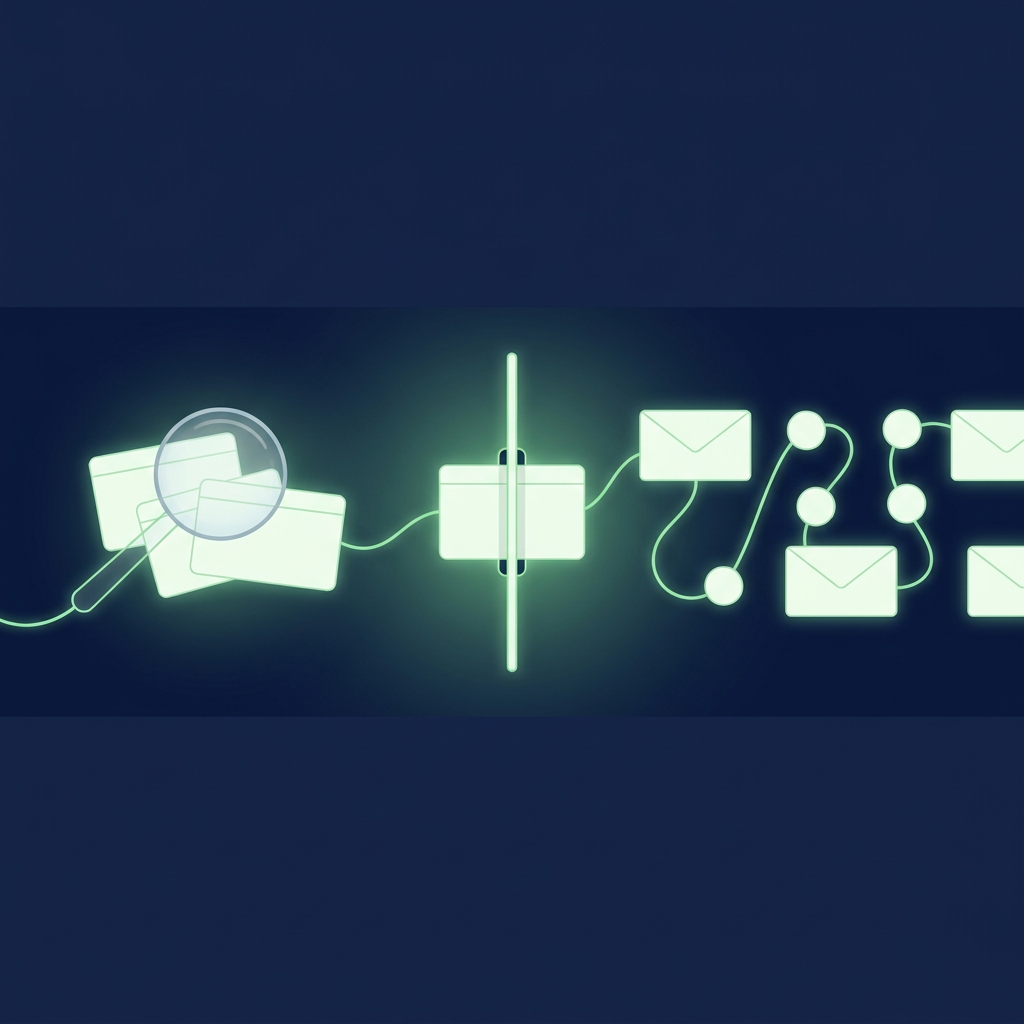
Sales intelligence vs sales engagement comes down to where your process breaks. Sales intelligence supplies the research: which accounts fit, who to contact and what changed. Sales engagement runs the communication: sequences, sends, tasks and follow-up. If reps lack good accounts, fix the research. If they have them but contact them inconsistently, fix the engagement.
This guide is for sales operations buyers deciding which part of the stack to improve. It defines each category, follows one hypothetical account through both, and shows where the handoff goes wrong. It does not claim that either category replaces the other.
Find your next 5 leads free is Lead Seeker's own offer. Describe an account type you sell to and review the results; it does not promise contacts at any named company. Lead Seeker publishes this page, so read it as a publisher's guide, not an independent ranking. For current pilot and subscription terms, see Lead Seeker pricing.
Find the actual bottleneck
Start with the symptom, not the category. The same complaint, "we are not booking enough meetings", can come from either side.
| What you see | Likely gap | First check |
|---|---|---|
| Reps spend hours deciding who to contact | Research | How long does a rep take to produce one reviewed account and contact? |
| Contacts bounce, or the person has left the role | Research (data age) | What share of a sample is wrong, and how old is the source? |
| Good accounts sit untouched for weeks | Engagement | Who owns the next step, and is it a task, a sequence or a memory? |
| Messages are generic although the research exists | Handoff | Does the opener reach the rep with the source attached? |
| Follow-up stops after the first reply | Engagement | What happens after a reply, and who is notified? |
| Nobody can say which accounts were worked | Reporting | Do research and sending records live in the same CRM? |
A short test: pick ten accounts your team contacted last month. For each, write down how the account was chosen, the evidence for the contact, and what was sent. If the first two are blank, the gap is intelligence. If they are full but the third is missing or late, the gap is engagement. Bob Generale's view, paraphrased, is that a research gap should become a usable checklist or decision aid, which is what this exercise is.
What sales intelligence provides
HubSpot describes sales intelligence software as technology that collects, enriches and analyzes data about prospects and customers so sales teams can target the right buyers. In practice that means three outputs: a list of accounts that fit your profile, the people at those accounts with a role and a source, and dated changes that suggest a reason to reach out.
Evidence matters more than volume here. A usable record names the source, shows when it was observed, and separates what a source states from what you infer. A public event such as a hire or funding round is a reason to ask a question, not proof of need. How to evaluate prospecting tools by job separates discovery, qualification and research functions when you decide what is missing.
Lead Seeker is a research tool in this sense. You describe your ideal customer in plain language, and it returns prospects with source context. Its prospecting workflow runs from the ICP to a dossier, public buying signals and Lead Compass opportunity briefs feed the research, and examples of focused prospect searches show how a buyer words a request. Each source-backed prospect dossier combines contact information, source context, communication guidance and an editable suggested opener. A rep still needs to check the source and the relevance before using it.
What sales engagement provides
Salesforce describes sales engagement as how sellers interact with buyers across the sales journey, and a sales engagement platform as software that helps sellers manage, measure and improve those interactions. The jobs are execution jobs: sequencing steps across email, calls and other channels, sending, scheduling tasks, logging replies and reporting on what happened.
The inputs differ from intelligence. Engagement software needs a list of people and a message to send; it does not decide whether the account is a good fit. Its outputs are activity and response records: what was sent, when, to whom, and what came back.
Lead Seeker's pages describe research, dossiers, an editable suggested opener and handoff to Salesforce or HubSpot. They do not describe sequencing or sending, so a team that needs cadences, scheduled tasks or multichannel activity tracking still needs a separate sending or engagement tool, or the engagement features of its CRM. That is a boundary, not a flaw: the two categories do different jobs.
Workflow boundary table
| Stage | Sales intelligence side | Sales engagement side |
|---|---|---|
| Input | ICP, roles, industries, company size, public sources | Approved contact list, message, cadence rules |
| Work done | Find accounts, verify the person, collect signals, write the dossier | Sequence steps, send, schedule tasks, log replies |
| Output | Reviewed prospect record with source and date | Activity, replies, meetings booked |
| Owner | Researcher, SDR or operator who reviews the source | Rep or SDR who sends and follows up |
| Metric | Accepted records, rejection reasons, source age | Reply and meeting rates by segment, tasks completed |
| Failure | Stale or wrong person, missing source | Late follow-up, no owner for replies, domain or compliance issues |
One hypothetical account through both stages
This is an invented example, not a result. Cedar Row Logistics, a fictional mid-sized carrier, matches your profile after a search. The intelligence side produces a dossier: a regional operations director, the posted role that surfaced the account, and a source and date for each. A rep checks the source, finds the role is current, and edits the suggested opener to ask about the hiring change.
The record then moves to engagement. It is pushed to the CRM, added to a cadence, and the first email goes out under the rep's name. When the director replies two weeks later, the engagement side creates a task for the rep. The research side has no further role until the account needs a fresh signal. If the dossier had no source, the rep would be writing from a guess, and no sequencing tool would repair that.
Run one focused search in Lead Seeker and see whether the output would fit your intelligence column. Five leads are free; sending and sequencing remain outside what this offer covers.
Design the handoff between them
The handoff is where most of the loss occurs. Three decisions keep it clean.
What a record must carry. Before a record leaves research, require a named person with a current role, the account, the source and its date, the reason to contact now, and a status that says a human reviewed it. Build a source-backed prospect dossier gives a reusable template.
How it moves. Lead Seeker's pricing page lists native Salesforce and HubSpot sync, and the workflow page says saved prospects and dossier context are pushed from the workspace; other CRMs use spreadsheet export. Treat field mapping, existing-record matching and conflicting fields as items to test, and do not assume duplicate handling. How to export prospects into a CRM cleanly covers fields, ownership and duplicates.
How research becomes a message. The opener should use what the dossier shows and nothing the rep cannot support. Turn research into relevant outreach explains how verified context informs a message without inventing personal knowledge.
Proposed dossier acceptance checklist
This is a method to adapt, not measured practice at any team.
| Check | Accept when | Reject when |
|---|---|---|
| Account fit | Matches your written ICP | Wrong size, region or business type |
| Person and role | Current role confirmed against a dated source | Role unconfirmed or changed |
| Source | A page you can open, with a date | No source, or an undated claim |
| Reason to contact | A dated change linked to a question you can ask | Event does not affect your offer |
| Opener | Edited by the rep, nothing unsupported | Generic or claims knowledge the rep lacks |
| Destination | Fields reach the CRM correctly in a test | Fields missing or duplicated |
Record each rejection reason. Wrong account, stale role and missing source point to different fixes, and only some of them are engagement problems. Judge the stack by qualified conversations and opportunity quality, not by how many records or sends it produces.
Different people will weigh this differently. Sales leaders want fit shown on a sample. Finance wants declared cost assumptions and accepted records as the denominator, not a projected return. Operations wants source dates, human review and failure handling. For the full product, see the Lead Seeker product tour.
Frequently Asked Questions
What is the difference between sales intelligence and sales engagement?
Sales intelligence is research and evidence: which accounts fit, who the right people are, and what changed. Sales engagement is execution: sequencing, sending, tasks, replies and follow-up. One decides who to contact and why; the other manages how and when the contact happens.
Can a prospecting tool replace a sending platform?
Not when you need cadences, scheduled tasks or activity tracking across channels. Lead Seeker's pages describe research, dossiers and CRM handoff, not sequencing or sending, so those jobs stay with your CRM or another tool. Check any tool's own pages for what it does.
When does a team need both?
When reps lack a reliable way to choose accounts and contacts and also need a consistent way to contact them. If research is slow or inaccurate, add intelligence. If good records go uncontacted or follow-up lapses, add engagement. A team with both problems needs both, joined by a defined handoff.
How do I know whether my problem is research or follow-up?
Audit ten recent accounts. If you cannot say why an account was chosen or what evidence supports the contact, the gap is research. If those are clear but the message was late or follow-up stopped, the gap is engagement.
Does a sales engagement tool improve contact accuracy?
Not by design. Engagement tools manage communication with the records you give them. Contact accuracy comes from the research and verification step, so check the source and date before a record enters a sequence.
How should I compare the cost of each?
Count the license, the hours your team still spends, and the accepted records or qualified conversations produced in a trial. Compare each tool by what it removes from a rep's week, and use the vendor's current pricing page for plan terms.
Sources
- Salesforce, sales engagement platform guide.
- HubSpot, how and why sales intelligence will help you close more deals.
- Lead Seeker, how-it-works page, pricing and try-free page. Lead Seeker publishes these pages.
Vendor pages and prices are a November 2026 snapshot and change often.
About the Author
Bob Generale is President of Percepture. He evaluates marketing and sales investments through qualified opportunities, operating cost and the uncertainty behind a projected return. This guide applies that to the stack: find the missing step before buying another tool.
Next Steps
Audit ten recent accounts, mark whether the gap is research, engagement or the handoff, and adopt the acceptance checklist for records. To test the research side, start with five free leads and review each dossier against your checklist.