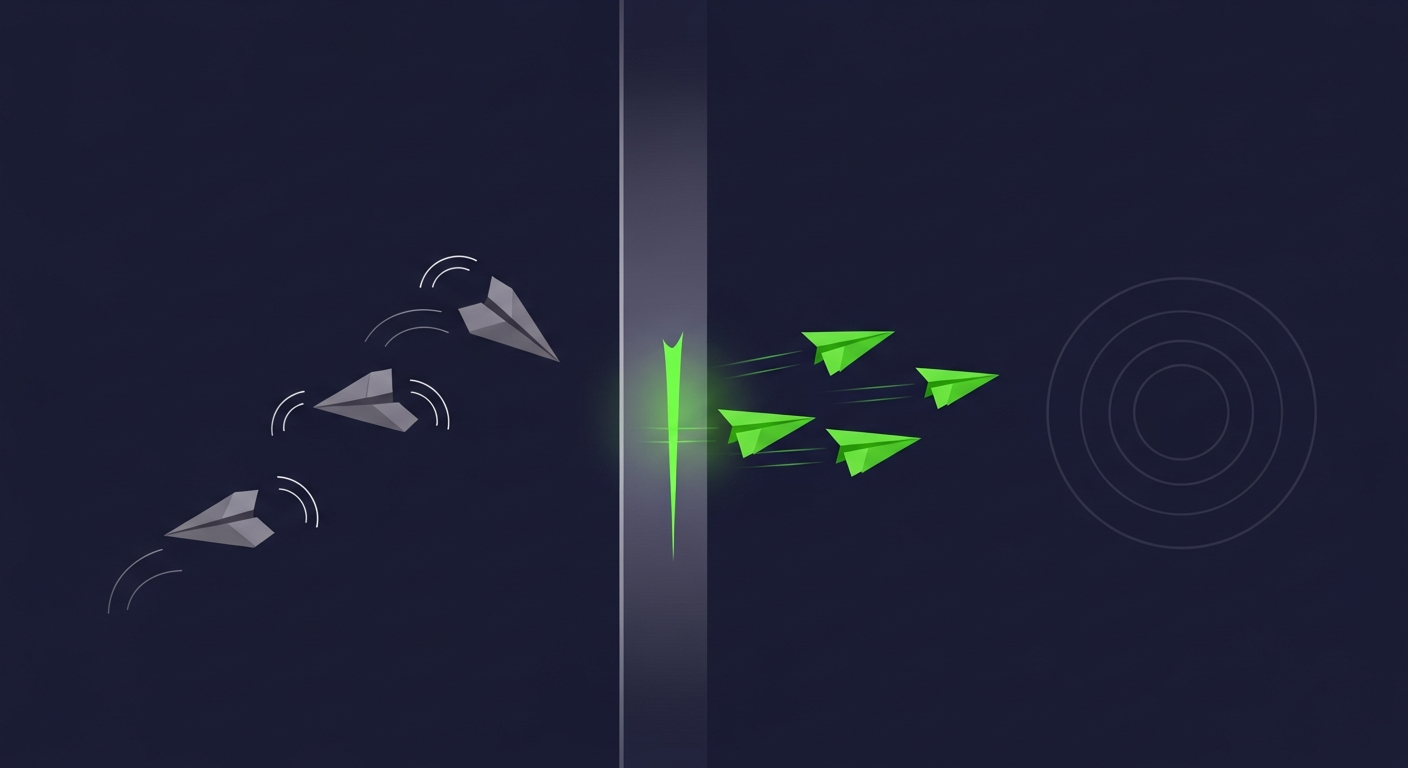
To reduce cold email bounce rates, verify every address immediately before a send, segment or drop catch-all domains, maintain a suppression list of past bounces, and keep list sources fresh — contact data decays fast enough that a list verified last quarter can bounce today. Keep hard bounces under roughly two percent, because mailbox providers read a high bounce rate as a spammer's fingerprint.
Reducing Cold Email Bounce Rates: The Short Answer
- Bounce rate is a list-quality metric, not a copy or infrastructure metric. If it is high, the addresses were bad before the first word was written.
- Hard and soft bounces need different responses: hard bounces get suppressed permanently; soft bounces get retried briefly, then treated as hard if they persist.
- Verification timing matters more than verification itself. Verify at (or just before) send — a verification from list-purchase day has already started aging.
- Stay under about two percent hard bounces. Above that, mailbox providers begin discounting your sender reputation, and every future send — including to good addresses — pays for it.
Common Misconceptions About Email Bounces
- "Bounces only cost me the bounced sends." The real cost is reputational: mailbox providers treat a sender who hits many dead addresses as a sender who scraped or bought a stale list, and start filtering the messages that would have delivered.
- "I verified the list when I bought it, so bounces aren't the list." Verification is a snapshot. B2B contact data decays at roughly 20–30% per year, so a 90-day-old verification has already lost meaningful accuracy — the mechanics are in how fast B2B contact data decays.
- "Soft bounces are harmless." A one-off full mailbox is harmless. A mailbox that soft-bounces on every retry for two weeks is a dead address wearing a polite label — keep retrying it and it quietly does hard-bounce damage to your metrics.
- "A good warm-up schedule fixes bounces." Warm-up builds reputation for the domain; it does nothing about dead addresses. Warm-up and list verification solve different halves of deliverability — the infrastructure half is covered in cold email deliverability.
Hard, Soft, and Accept-All: Read the Bounce Before Reacting
| Bounce type | Typical cause | What it signals | Correct action |
|---|---|---|---|
| Hard bounce | Mailbox or domain does not exist | Dead address — permanent | Suppress immediately, never resend |
| Soft bounce | Full mailbox, server down, message deferred | Temporary condition — usually | Retry briefly; suppress if it persists past days |
| Accept-all pass | Catch-all domain accepted the check | Mailbox unconfirmable by design | Segment separately, send small, watch the rate |
| Block / policy | Content or reputation filtering at the gateway | Sender reputation or content problem | Fix authentication and sending patterns, not lists |
Mail servers report bounces with standardized status codes, so your sending tool can classify them automatically — the classification is only useful if your workflow actually treats the classes differently.
The Five Levers That Actually Lower Bounce Rates
- Verify at the point of send. Run every campaign list through a mailbox-level verification pass in the days before launch, not at purchase or import. The full stage-by-stage mechanics are in what B2B email verification is and how it works.
- Give catch-alls their own lane. Addresses on accept-all domains cannot be confirmed, only risk-managed: smaller batches, a separate sending segment, and an early kill-switch if their bounce rate runs hot.
- Suppress forever. Every hard bounce goes onto a permanent suppression list that survives tool migrations and list re-imports. Most "mystery bounce spikes" are an old list re-imported without its suppression history.
- Weight list sources by observed bounce rate. Track bounces per source — vendor, event list, scraped segment, inbound — and cut or re-verify the sources that run hot. Bounce rate is the cheapest continuous audit of a data supplier you will ever get.
- Fix the title-guessing habit. Pattern-guessed addresses (first.last@domain.com) without a mailbox check are the single highest-bounce practice in outbound. If a mailbox was never confirmed, it belongs in the catch-all lane, not the clean sends.
A bounce is your data supplier grading their own homework, in public, on your sender reputation.
What to Check Before You Blame the List
Bounce rate is a list metric, but blocks and deferrals are not. Before cutting a data source, confirm the failures are genuine hard bounces and not policy rejections: authentication failures (SPF, DKIM, DMARC), volume spikes from a cold domain, or content-triggered filtering all produce failure notices that a dashboard can lump in with bounces. The status codes tell you which problem you have — address-does-not-exist codes mean the list; policy-rejection codes mean the sending setup. Read the codes first; the fix is cheaper when it is aimed at the right half.
Frequently Asked Questions
What is a good bounce rate for cold email?
Keep hard bounces under roughly two percent per campaign, and treat anything approaching five percent as an emergency that pauses sending. Mailbox providers read a high bounce rate as evidence of a scraped or stale list, and the reputational penalty applies to your future sends to perfectly good addresses.
What is the difference between a hard bounce and a soft bounce?
A hard bounce is a permanent failure — the mailbox or domain does not exist — and the address should be suppressed immediately and never resent. A soft bounce is a temporary condition such as a full mailbox or a server outage; it earns a few retries over a few days, after which a persistent soft bounce should be treated exactly like a hard one.
Do high bounce rates hurt sender reputation?
Yes, and the damage outlasts the campaign. Repeatedly hitting nonexistent mailboxes is one of the clearest signals mailbox providers use to identify senders working scraped or aged lists. Once reputation drops, deliverable mail starts landing in spam or being rejected outright, so a single bad list can tax every send from that domain for weeks.
Should you send cold email to catch-all addresses?
Only deliberately and in a separate lane. A catch-all domain accepts the verification check for any address, so the specific mailbox is unconfirmable. Send to catch-alls in small batches from a segment you monitor closely, and stop the segment early if its bounce rate runs above your clean-list baseline. Never blend catch-alls into your best sends.
How do you verify a cold email list before sending?
Run the list through a mailbox-level verification pass — syntax, domain and MX lookup, then a live SMTP mailbox check — in the days immediately before launch. Suppress the invalids, quarantine the catch-alls and unknowns into their own segment, and keep the verification date on each record so the next campaign knows how stale the result is.
Why is my bounce rate high even after verifying the list?
Three usual causes: the verification is old (results decay with the data), the list is heavy with catch-all domains that passed the check without confirming the mailbox, or the failures are not actually hard bounces but policy rejections from authentication or reputation problems. Check the bounce status codes — address-not-found codes point at the list, policy codes point at the sending setup.
Does warming up a domain reduce bounce rates?
No — warm-up and bounce reduction solve different problems. Warming builds a sending reputation so providers accept your volume; it does nothing about addresses that do not exist. What warm-up does do is raise the stakes: a burned domain costs a quarter of patient warming, which is exactly why bounce control through verification is worth doing before every send.
References
- Google, Email sender guidelines: https://support.google.com/a/answer/81126
- IETF, RFC 3463 — Enhanced Mail System Status Codes: https://datatracker.ietf.org/doc/html/rfc3463
- IETF, RFC 5321 — Simple Mail Transfer Protocol: https://datatracker.ietf.org/doc/html/rfc5321
- M3AAWG, Sender Best Common Practices: https://www.m3aawg.org/sites/default/files/doc_files/M3AAWG_Senders_BCP_Ver3-2015-02.pdf
- US Federal Trade Commission, CAN-SPAM Act compliance guide: https://www.ftc.gov/business-guidance/resources/can-spam-act-compliance-guide-business
Next Steps
Bounce control is one piece of an outbound motion that books meetings instead of burning domains. Browse the rest of our outbound workflow insights for the deliverability, cadence, and personalization halves of the same playbook.